



























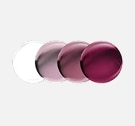





How to Add Mirrored Lenses

STEP 1
Pick your frame, click
“Select Lenses,” and then
choose your lens usage.

STEP 2
Select “Sun,” then click
“Mirrored,” and choose
your lens color.
STEP 3
Choose your lens and
complete your purchase!



30-Day Free Returns

24/7 Customer Service

Vision Insurance